|
Sunvisor 9" LCD - this is the ONLY legal way of doing this in Australia
Excellent for most 4WD - super thin design

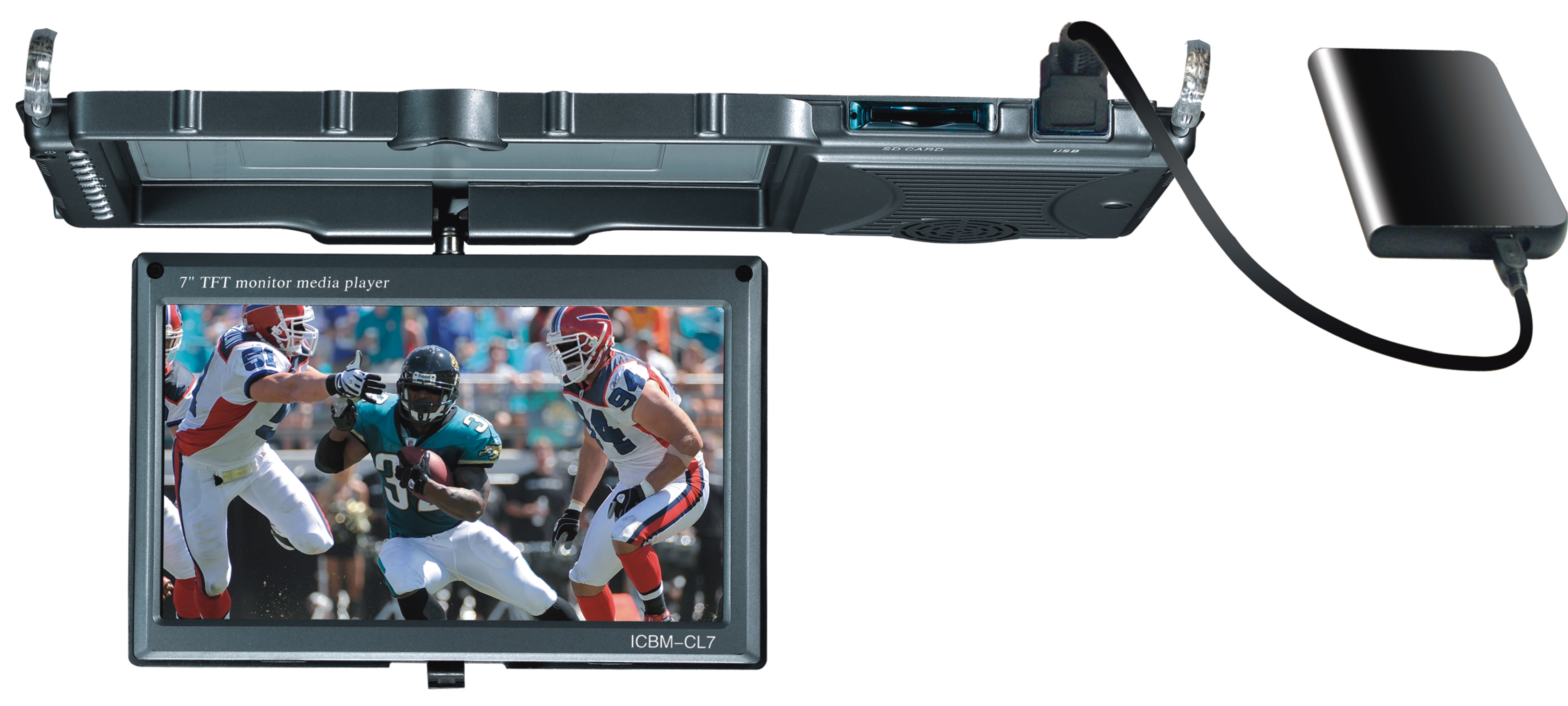
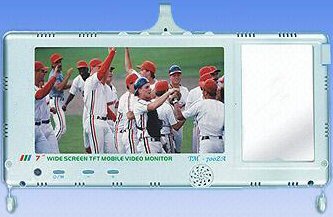
Sun Visor Monitor
1. 9" New Digital Panel
2. SD+USB port and MP5 Support,
3. Super slim Design
4. Easy installation.
5. 2 Video Inputs
Sun Visor Monitor with 9" screen 1. 9-inch 16:9 NEW Digital LCD Panel 2. Key stroke and remote control operation, OSD menu 3. Brightness: 400-450cd/m2 4. FM transmitter (optional). 5. With USB/SD, can read AV1,MP4,MPEG2,MPG,RM, RMVB,VOB,3GP,DAT,MOV etc 6. Video: One Channel video input, SD, USB playing 7. Audio: One Channel Input, left and right channel output 8. OSD menu, Key stroke and Remote control operation 9. System: NTSC/PAL Double System 10. Monitor for VCD /DVD/TV/GPS/Camera 11. Power: DC 12V(+/-10%) 12. Accessories: User manual, AV/power cords, remote control 13. Color available: Silver
14. Clip-on Fitting, easy installation
15. Overall Size 312 x 141 x 9mm The menu on this unit is a bit
tricky when using the SD and USB as images have Chinese
writing, but after a minute or so it becomes obvious.


Camera Options:

Bullet Number Plate
Miniature Tailgate
These cameras are supplied with 7.5M of RCA cabling.
|
Camera Options
|
CMOS
|
|
Bullet
|
|
|
Number Plate
|
|
|
Miniature Tailgate
|
|

Second Camera – These cameras are supplied with both 7.5M and 15M RCA cabling
GENERAL CONNECTIONS FOR ALL RCA MONITORS:
Both Camera and monitor need to be powered by connecting
Red - Positive
Black - Negative
If the power cable does not have Red/Black wires then
you will need to test using a multi meter. The inside
of the plug is positive, the outside negative
Some monitors may also have a green wire which, when
connected to the positive side of the reversing light
will make the camera display on input no 2. If
connecting a second camera then this wire should not be
connected (or a simple switch put in to disable it when
the second camera is connected). The monitor can be
manually turned on to display the camera at any time and
can be left on whilst driving.
The connection between the camera and the monitor is via
a simple RCA cable. Only the YELLOW is used.
If more instructions are needed then you
should be getting this unit professionally installed
Of course all items supplied should be tested BEFORE
installation.
|