|
BRASH IMPORTS |
'Selling the hottest products on the net!' |
||||||||
|
|||||||||
|
4.3" GPS Mirror Monitor with Bluetooth, & 2 inputs & external microphone
This system combines the
very best of GPS, Hands free Bluetooth and has 2 camera
inputs for reversing/ towing. When in reverse the
monitor will automatically switch to reverse image or
you can manually turn either camera on - PERFECT.
The left of this unit is glass mirror.
The unit is supplied with
a replacement arm and mounting block. The arm will
slide onto most vehicles existing mounting blocks and
has been tested on Toyotas, Fords, Holdens, Nissans.
If this arm does not fit over the existing block then
you will need to use the block supplied and place it
next to the existing block, DO NOT try to remove
your existing block.
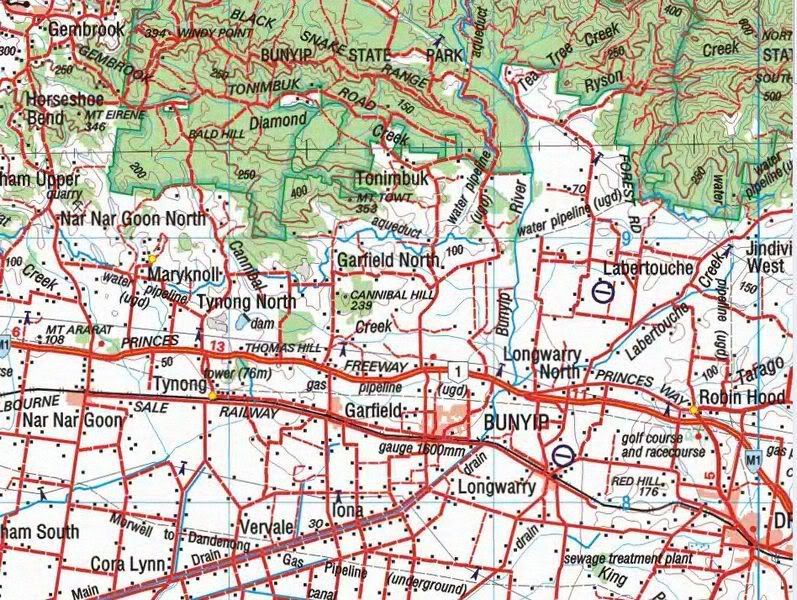
MAPPING: When the Ozi Explorer GPS option is purchased the unit will display 2 icons when selecting navigation. You will have the option of selecting either the standard turn by turn road mapping or the off road mapping. The Off-road mapping software is supplied by Ozi Explorer. The mapping for both the off road is supplied by Australain Geoscience maps using a 1:250K scale. The only help available for the use for how to use Ozi Explorer is via the link above, via online forums or private tuition. The areas for the Geoscience maps cover the entire Australian continent as well as the entire coast line. If you have other maps or other scales then these can be added to the SD card.
Ozi Explorer area covered using NAT Maps from Aus Geoscience for Off road and Marine mapping. These maps have been digitally converted for Ozi Explorer. Ozi Explorer CE features: Mark waypoints Breadcrumb trail Log & save tracks Many map zoom levels More/Less detailed maps Automatic loading of next map Roads Major road to public or private track with minimum or no construction Hydrographic Watercourse, canals, perennial lake, bore, well, wind pump, waterhole, spring, swamp Cultural features Pipelines, tanks, homesteads, ruins, landmarks, fence, levee, quarry, mine Boundaries State & territory borders, reserves and prohibited areas Railways Tracks, stations, sidings and abandoned lines Vegetation Forest, scrubland, rain forest, plantation, orchard Aircraft facilities Airport, landing strip, helipad Offshore & Coastal features Boat ramp, lighthouse, reef, shoal, wreck, costal flat, mangrove Relief Elevation, sand dunes, cliffs, sand ridges, pinnacle and contour lines with values. Ozi Explorer area covered using Aus Geoscience off road mapping: 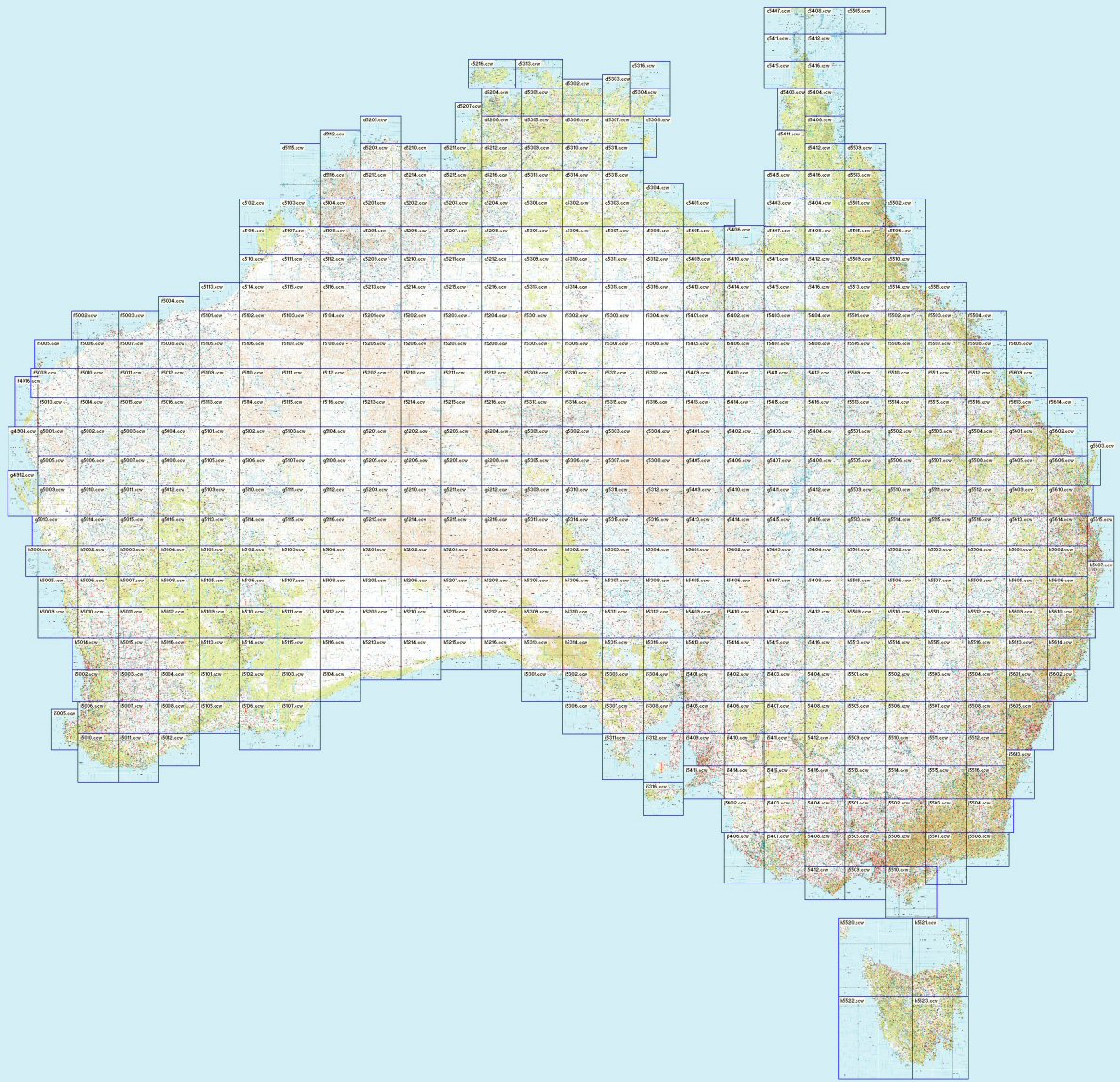 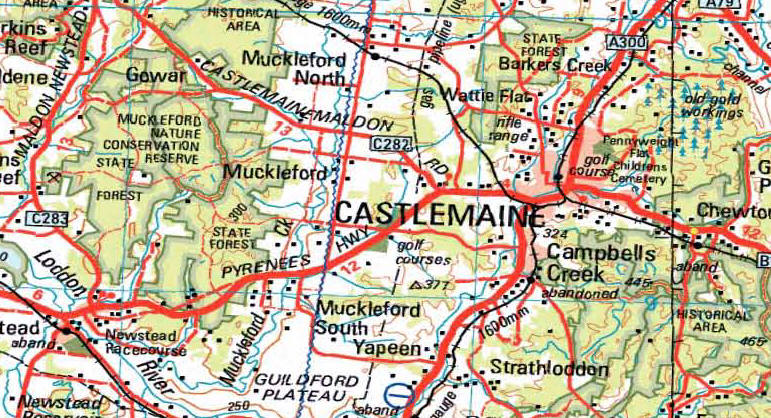
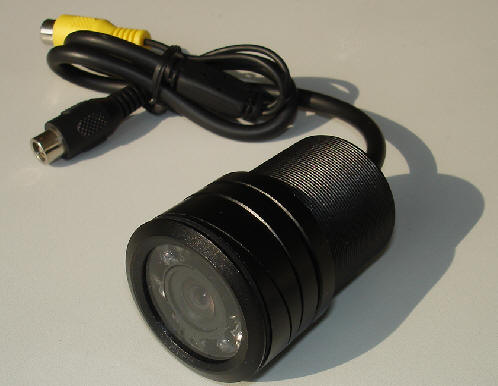
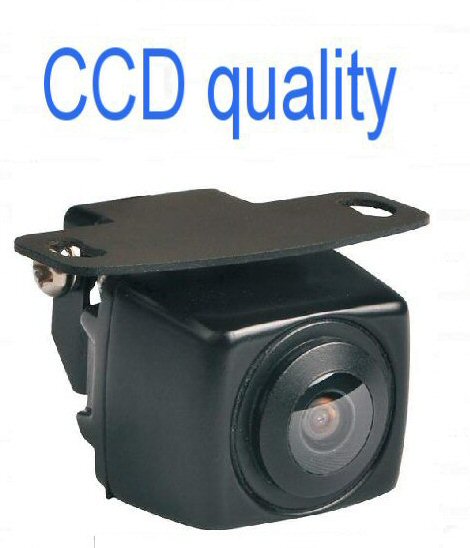
Camera Options: 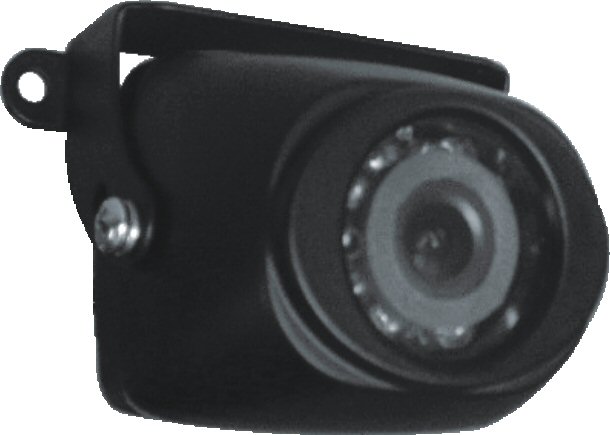
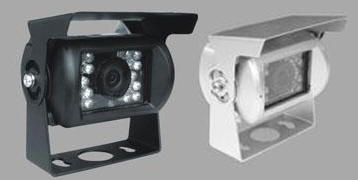 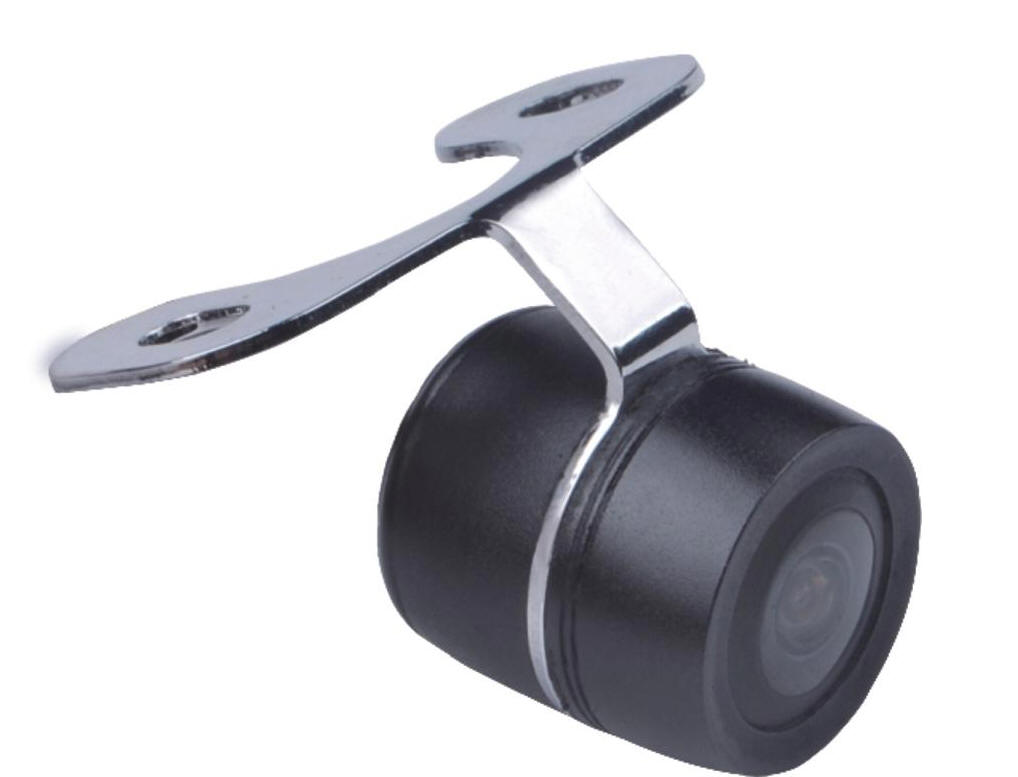
Heavy Duty Butterfly Caravan Camera Miniature Tailgate C
First Camera is automatically supplied with a 6M RCA cable
GENERAL CONNECTIONS FOR ALL RCA MONITORS:
If more instructions are needed then you
should be getting this unit professionally installed |