|
|
3.5" GPS Mirror Monitor with Bluetooth &
3 inputs
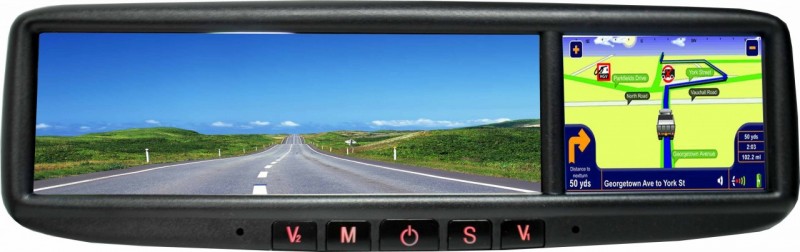
This system combines the
very best of GPS, Hands free Bluetooth and has 3 camera
inputs for reversing/ towing. When in reverse the
monitor will automatically switch to reverse image or
you can manually turn either camera on - PERFECT.
The left of this unit is glass mirror.
It clips over your existing mirror making installation
easy!
Latest mapping with turn by turn announcements.
Brightness and Color, Contrast controls
Three video inputs
Can be connected with camera for safe parking
When the car is in reverse the rear view image will
automatically appear.
Play video MP4, AVI, ASF, WMV,MP3, WMA, WAV format
Support JPEG,PDF image format
Audio frequency: 20Hz-20KHz.5dB
Audio S/N ratio: ≥85dB
Operation temperature: -10℃ to 55℃
Power consumption: ≤8W
Operated by DC 12V DC
Length 275mm x 75mm
The replacement unit is supplied with
a replacement arm and mounting block. The arm will
slide onto most vehicles existing mounting blocks and
has been tested on Toyotas, Fords, Holdens, Nissans.
If this arm does not fit over the existing block then
you will need to use the block supplied and place it
next to the existing block, DO NOT try to remove
your existing block.
Other arms
Arm No 2 is available for Honda Accord and Odyssey,
Vitara
Arm No 3 is available for Passat, Bora, Audi, Skoda,
Jetta, Suzuki Swift
Arm No 7 is available for Hyundai Sonata, Elantras
Please contact prior to purchase to ensure the stock of
the arm required is available.
View the arm catalogue here The other arms are
by special order and can take 4 - 5 weeks.
The special brackets apply but are not limited to the
car models mentioned in the catalogue.
Please consult with your installer as to which arm suits
your car
READ THE OZI EXPLORER HELP FILE HERE
MAPPING: When the Ozi Explorer GPS
option is purchased the unit will display 2 icons when
selecting navigation. You will have the option of
selecting either the standard turn by turn road mapping
or the off road mapping. The Off-road mapping
software is supplied by Ozi Explorer. The mapping for
both the off road is supplied by Australain Geoscience maps
using a 1:250K scale. The only help available for the
use for how to use Ozi Explorer is via the link above,
via online forums or private tuition. The areas for the
Geoscience maps cover the entire Australian continent as
well as the entire coast line. If you have other maps
or other scales then these can be added to the SD card.
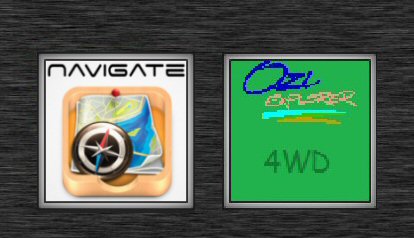
Select either Road maps or off road maps - no need to
change SD cards!
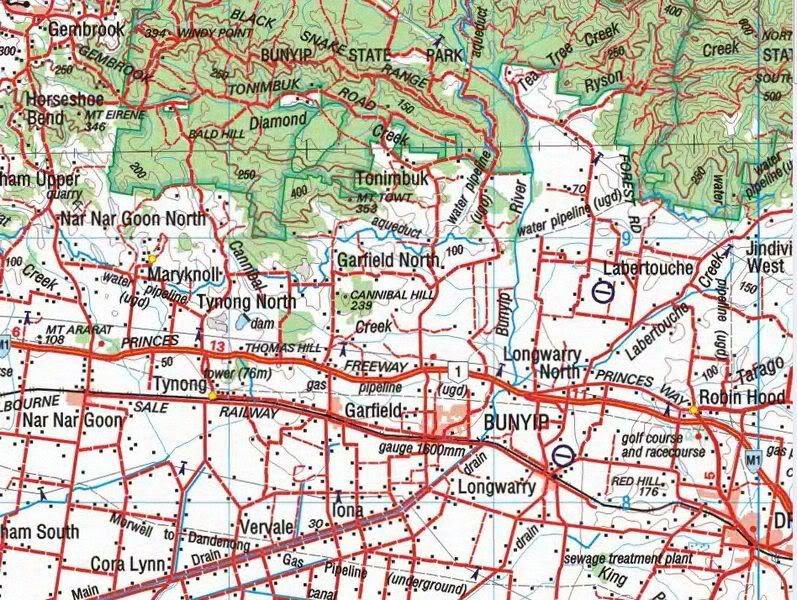
Ozi Explorer area covered using NAT Maps from Aus Geoscience
for Off road
and Marine mapping.
These maps have been digitally converted for Ozi
Explorer.
Ozi Explorer CE features:
Mark waypoints
Breadcrumb trail
Log & save tracks
Many map zoom levels
More/Less detailed maps
Automatic loading of next map
Roads
Major road to public or private track
with minimum or no construction
Hydrographic
Watercourse, canals, perennial lake, bore, well,
wind pump, waterhole, spring, swamp
Cultural features
Pipelines, tanks, homesteads, ruins, landmarks,
fence, levee, quarry, mine
Boundaries
State & territory borders, reserves and prohibited
areas
Railways
Tracks, stations, sidings and abandoned lines
Vegetation
Forest, scrubland, rain forest, plantation, orchard
Aircraft facilities
Airport, landing strip, helipad
Offshore & Coastal features
Boat ramp, lighthouse, reef, shoal, wreck, costal
flat, mangrove
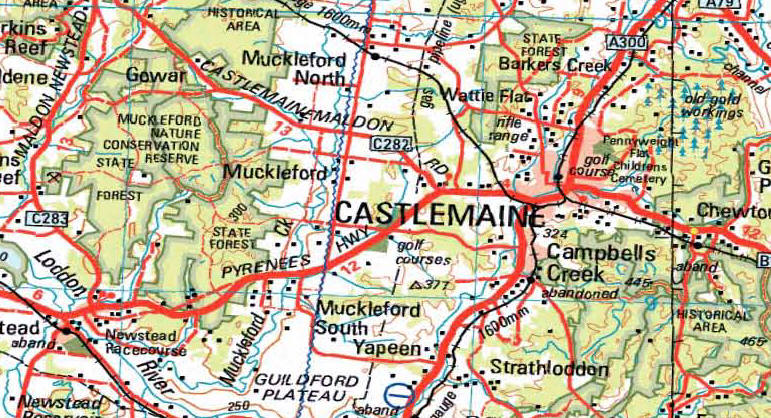
Relief
Elevation, sand dunes, cliffs, sand ridges, pinnacle
and contour lines with values.
Ozi Explorer area covered using Aus Geoscience off road
mapping: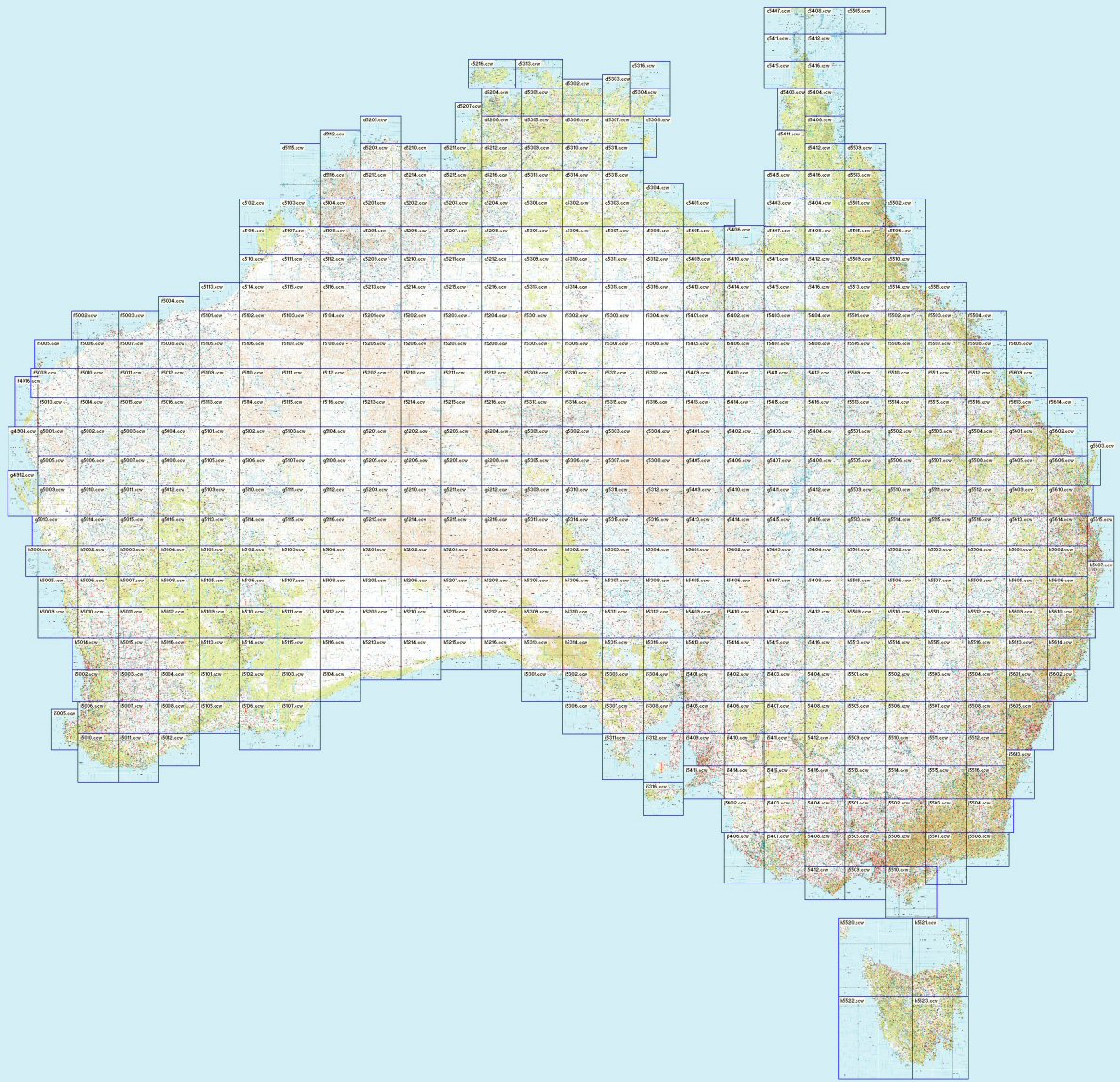
Camera Options:
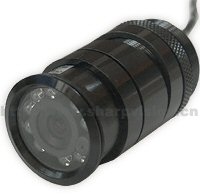
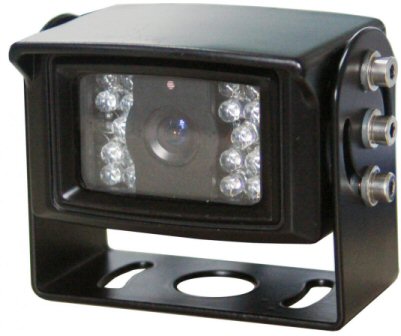 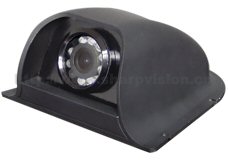
Bullet / Bumper Bar
Heavy Duty Truck / Van (avail in white)
Side View (White / Black)
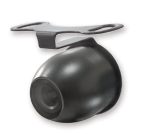 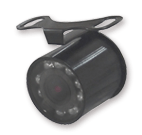 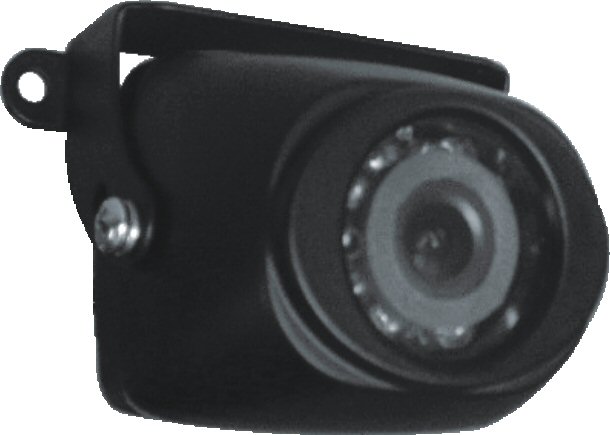
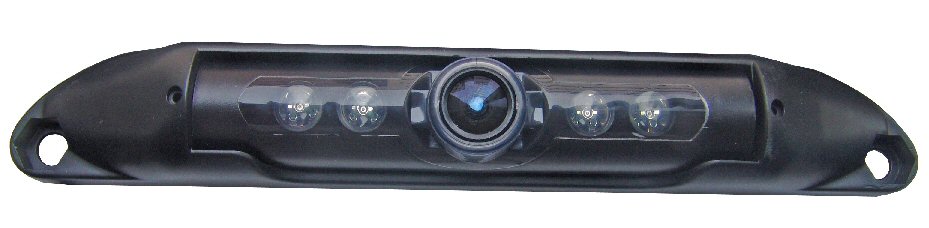
Butterfly
Mini Bullet
Heavy Duty Butterfly
License Plate
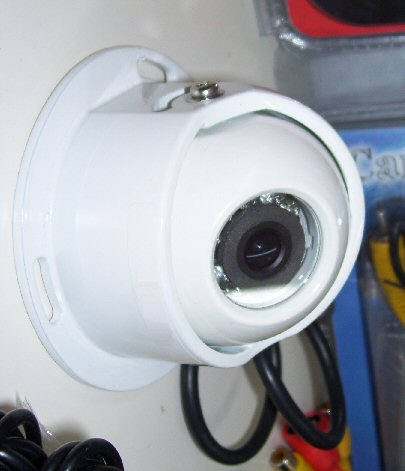
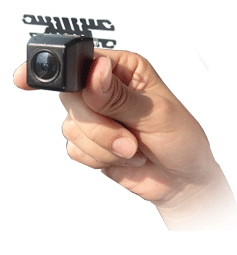 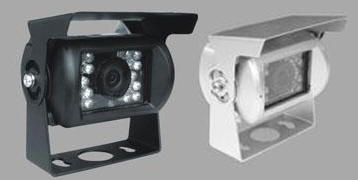
Caravan / Container
Micro Tailgate
Caravan
|
Camera Options
|
Model
|
|
Bullet
/ Bumper
|
|
|
H. D.
Truck (with audio)
|
|
|
Side View
|
|
|
Butterfly
|
|
|
Mini Bullet
|
|
|
Heavy Duty Butterfly
|
|
|
License Plate
|
|
|
Caravan Round |
|
|
Micro Tailgate |
|
|
Caravan
|
|
The above GPS mirror is sent with a
7.5M 4 pin - RCA cable with the first camera.
For the second camera a 7.5M cable and a 15M cable is
sent.
GENERAL CONNECTIONS FOR ALL RCA MONITORS:
Both Camera and monitor need to be powered by connecting
Red - Positive
Black - Negative
If the power cable does not have Red/Black wires then
you will need to test using a multi meter. The inside
of the plug is positive, the outside negative
Some monitors may also have a green wire which, when
connected to the positive side of the reversing light
will make the camera display on input no 2. If
connecting a second camera then this wire should not be
connected (or a simple switch put in to disable it when
the second camera is connected). The monitor can be
manually turned on to display the camera at any time and
can be left on whilst driving.
The connection between the camera and the monitor is via
a simple RCA cable. Only the YELLOW is used.
If more instructions are needed then you
should be getting this unit professionally installed
Of course all items supplied should be tested BEFORE
installation.
|